Pixel Art Style
Turn Photos into Retro Pixel Masterpieces
Transform any photo into stunning pixel art in seconds. From classic 8-bit game aesthetics to detailed 16-bit illustrations, our AI captures the charm of retro gaming while bringing your images to life in beautiful blocky form.
No signup required for your first creation
Pixel Art Styles Explained
Pixel art builds images from a grid of discrete color blocks, much like Piet Mondrian's De Stijl movement reduced visual art to pure geometric forms and primary colors. Born from hardware limitations of early computers, pixel art has evolved into a beloved style celebrated for its precision, nostalgia, and creative constraints.

Classic 8-Bit Style
Inspired by the NES and Game Boy era. Limited color palettes, chunky pixels, and bold shapes that pack maximum expression into minimal resolution. Think Mario, Mega Man, and The Legend of Zelda.

16-Bit & SNES Era
More colors, smoother gradients, and finer detail. The golden age of pixel art with games like Chrono Trigger, Final Fantasy VI, and Secret of Mana setting the visual standard.

Isometric Pixel Art
A 3D-like perspective built from carefully placed pixels. Used in classic games like SimCity and modern indie hits. Perfect for creating miniature worlds and architectural scenes.
Modern Pixel Art
Today's pixel artists blend retro constraints with modern techniques: dynamic lighting, complex animations, and rich palettes. Indie games like Celeste, Stardew Valley, and Hyper Light Drifter showcase the style's evolution.
How It Works
Three simple steps to create your pixel art style
Upload Your Photo
Upload any photo from your device. We support JPG, PNG, and other common image formats up to 10MB.
Choose Pixel Art Style
Select from our curated pixel art style styles. Each one is trained on masterworks to capture the authentic aesthetic.
Download Your Artwork
Your AI-generated artwork is ready in seconds. Download as avatar, wallpaper, or high-resolution print.
See the Pixel Art Transformation
Your photos, reimagined through the grid-based geometric precision of De Stijl

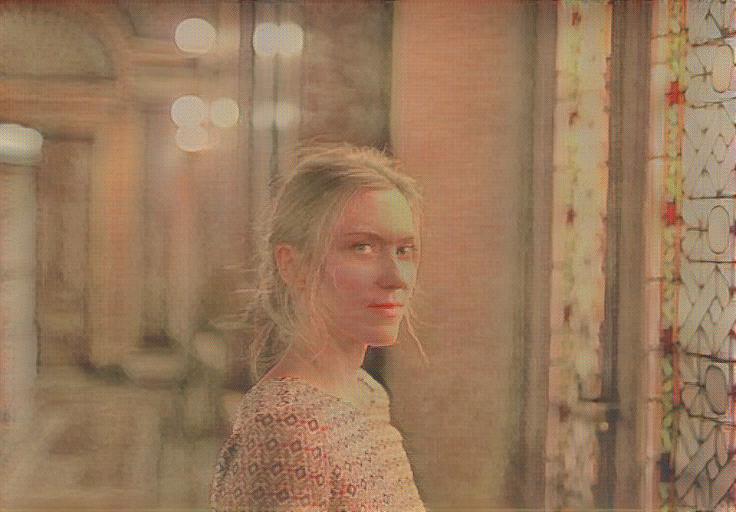
Original Portrait
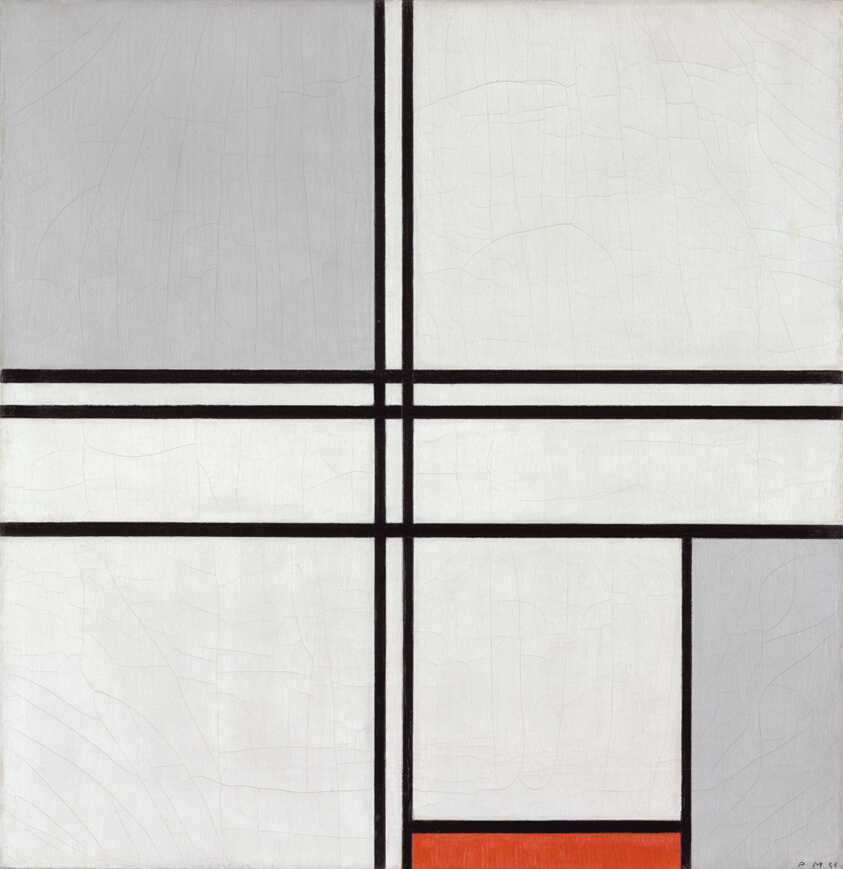
Composition No. 1 — Mondrian
AI Grid Art Portrait

Original Landscape

Lozenge Composition — Mondrian
AI Grid Art Landscape
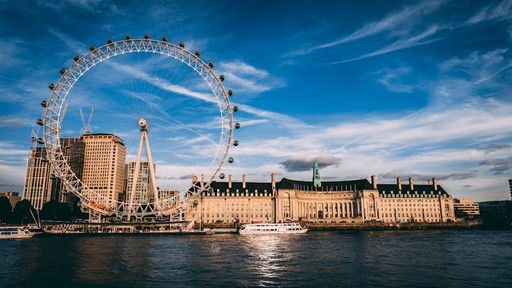
Original Architecture

Farm near Duivendrecht — Mondrian
AI Geometric Architecture
Explore Pixel Art Style
Choose a style and transform your photo instantly
Composition No. 1 (Gray-Red)
Piet Mondrian
Mondrian's grid compositions with primary color blocks are the fine-art ancestor of pixel art. Both reduce visual complexity to a structured grid of discrete color units.
Lozenge Composition
Piet Mondrian
Bold black grid lines dividing planes of pure color. This mathematical approach to image-making mirrors exactly how pixel art constructs images from a matrix of colored squares.
Farm near Duivendrecht
Piet Mondrian
Mondrian's transitional work shows recognizable forms being broken into geometric blocks, echoing how pixel art distills real-world images into their essential grid-based forms.
Learn More About Pixel Art Style
Explore our in-depth guides and tutorials
Frequently Asked Questions
Everything you need to know about pixel art style
Ready to Create Your Pixel Art Style?
Join thousands of creators using ArtRobot. Free to start, no credit card required.
Start Creating Now - Free